
YAPAY ZEKA VİDEO DUBLAJI · KENDİ DİLİNDE
Video aynı Dil sana ait
YouTube veya desteklenen videoyu aç, hedef dili seç
Ultradub dublajı aynı oynatıcıya getirir
The video stays · The language changes
Same videoYour language




HOW IT WORKS
Stay on the page. Change the language.
EN
ENGLISH SOURCE
“The lesson is already playing here.
No download. No new tab.”
Ultradub
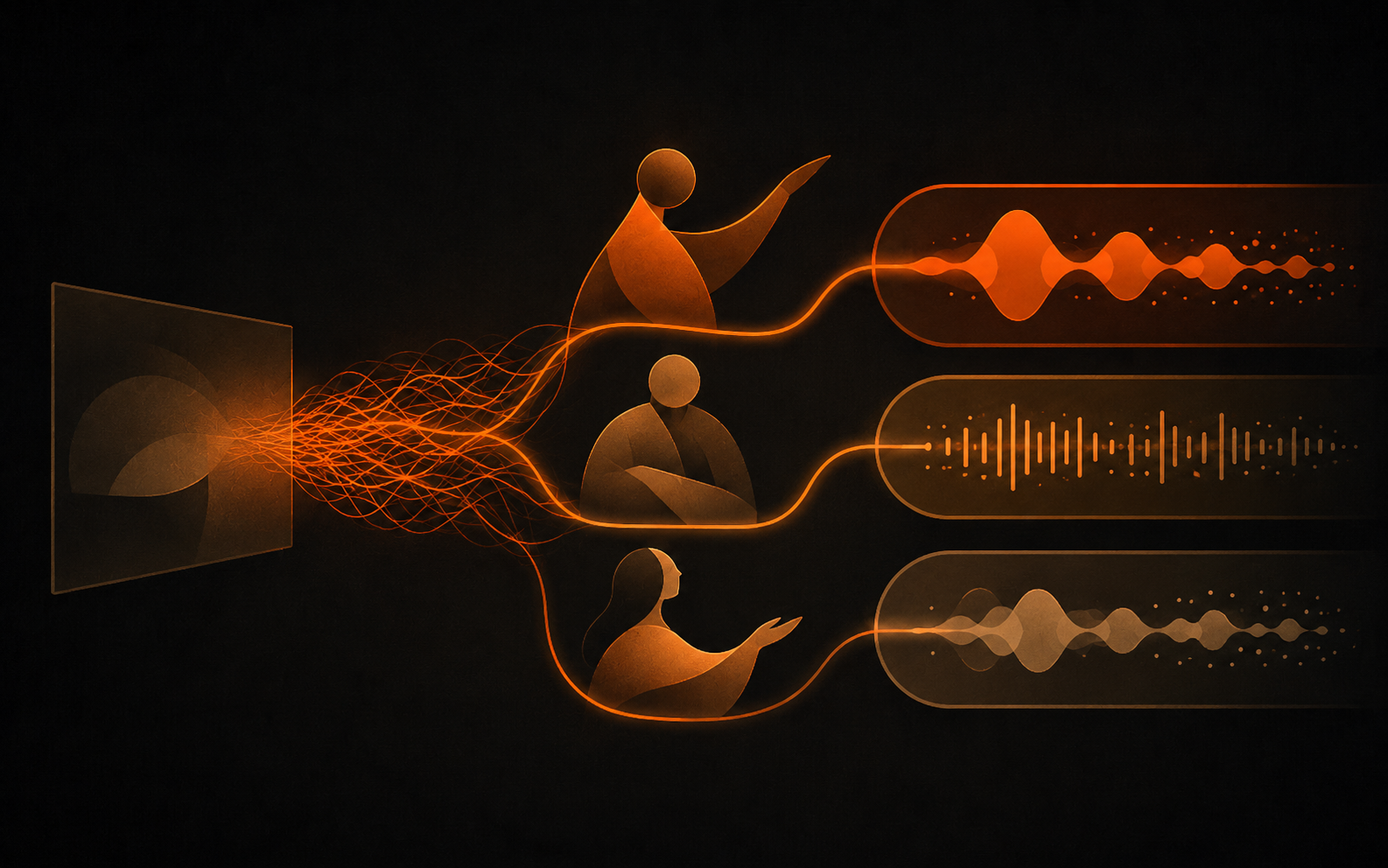
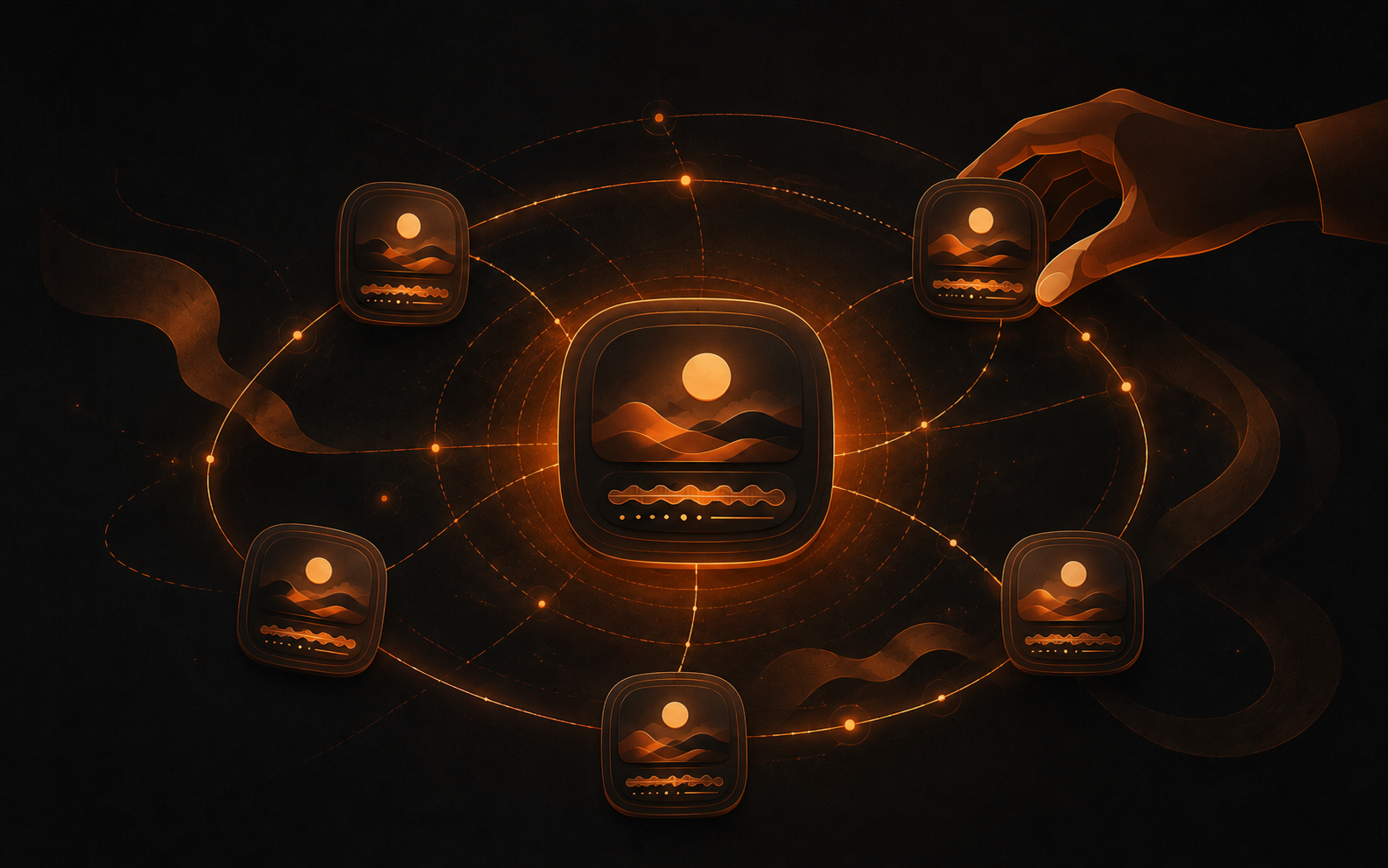
“Ultradub detects the source, prepares the dub, and brings it back to the same player.”
HOVER · SEE SOURCE
TAP · SEE SOURCE
MOVE AWAY · SEE DUB
TAP AGAIN · SEE DUB
TR
TÜRKÇE DUBLAJ
“Aynı video, aynı sayfa.
Bu kez Türkçe dinliyorsun.”
WHERE IT HELPS
Stay with the subject
Not the subtitles
Follow the tutorial
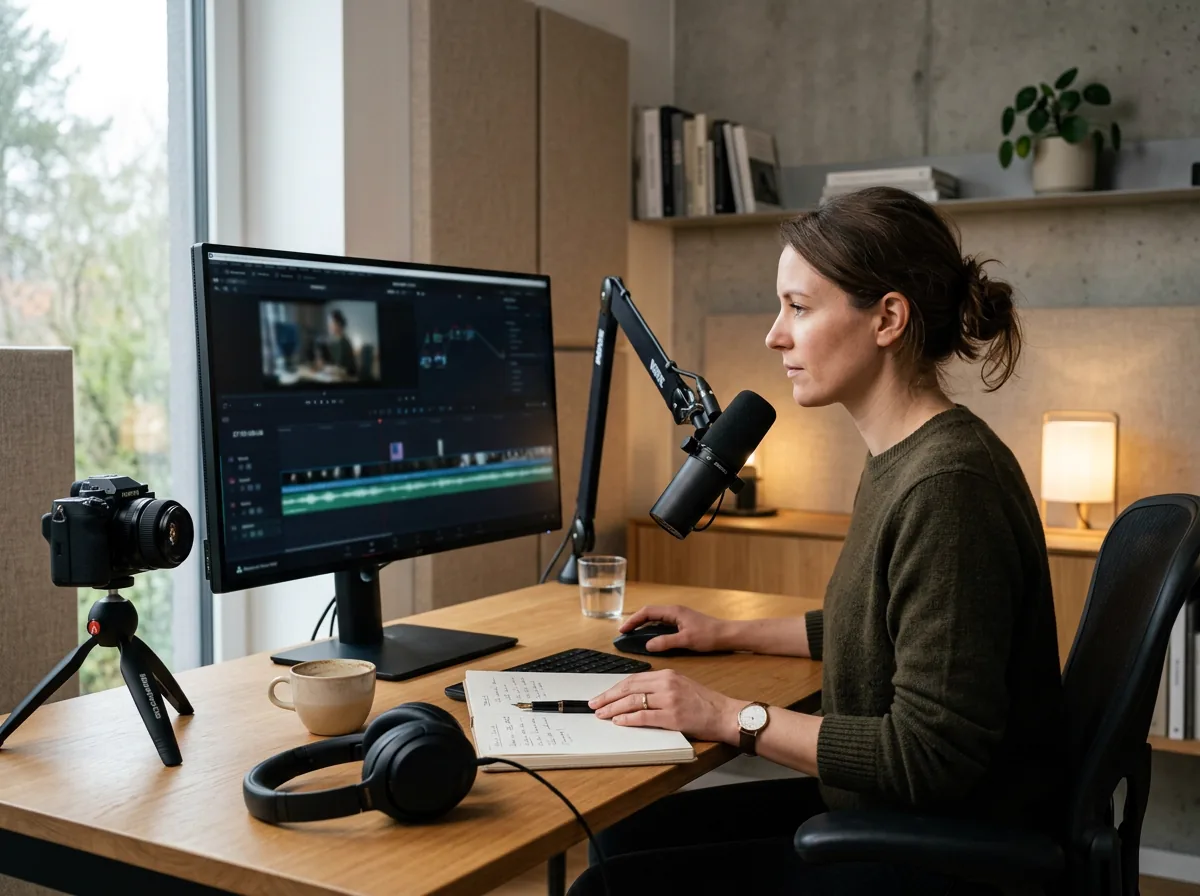
Keep up even when the lesson is not in your language.

Understand the briefing
Follow the same training without living in the subtitles.
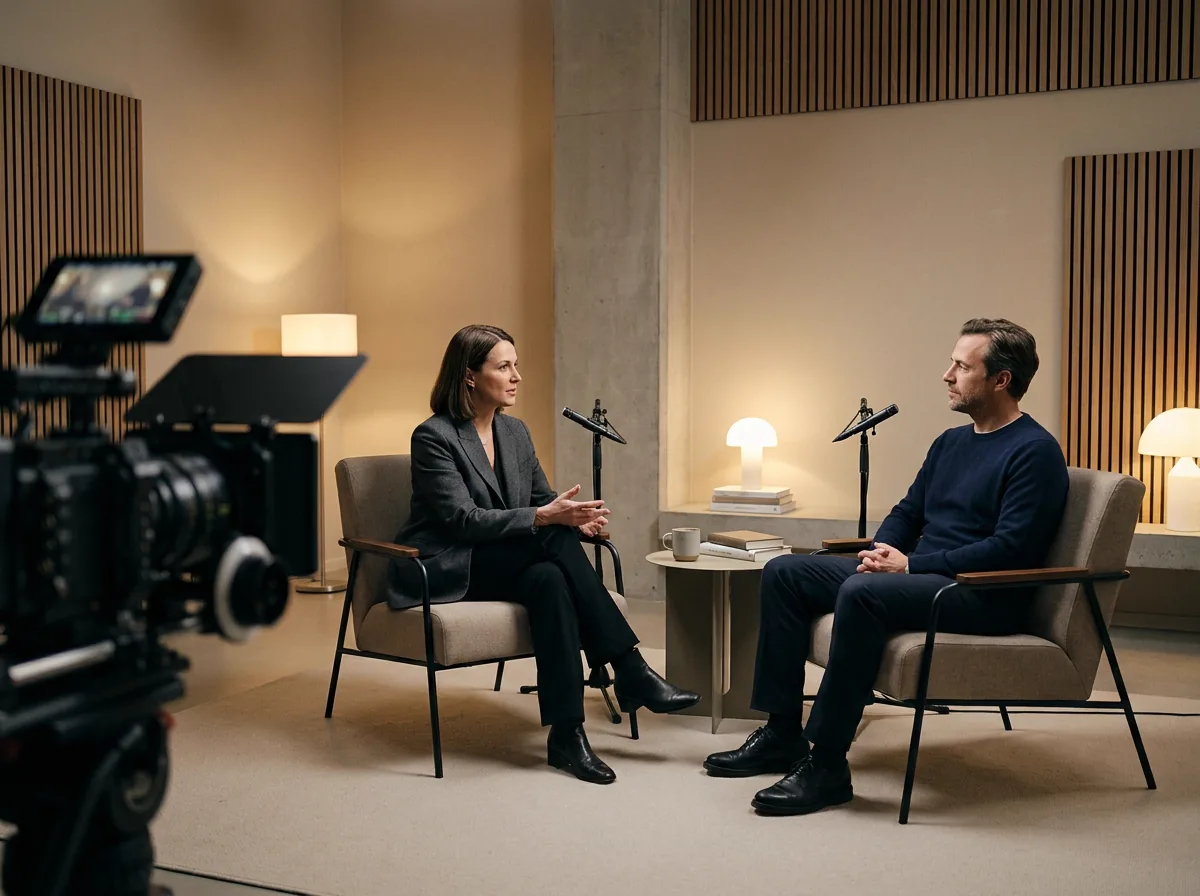
Stay with the answer
Listen without splitting attention between faces and subtitles.

Stay with the story
Follow the narrative when the original audio is in another language.
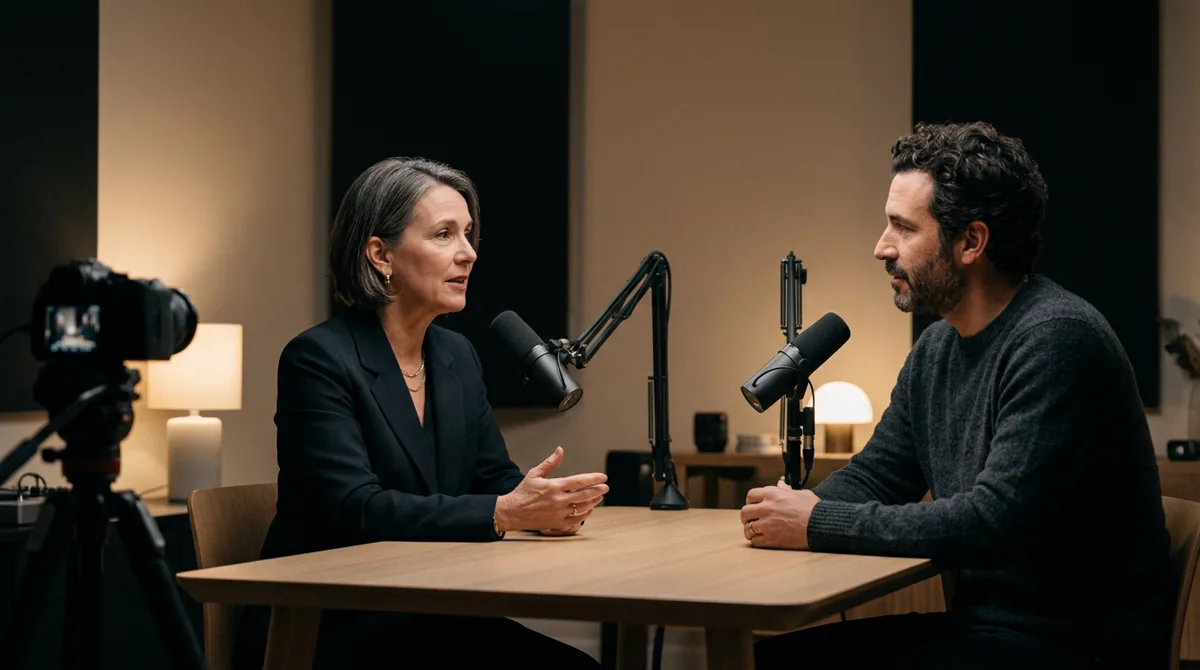
Listen in your language
Follow long expert conversations without living in the subtitles.

Learn the procedure
Keep your eyes on the demonstration while you hear the steps.
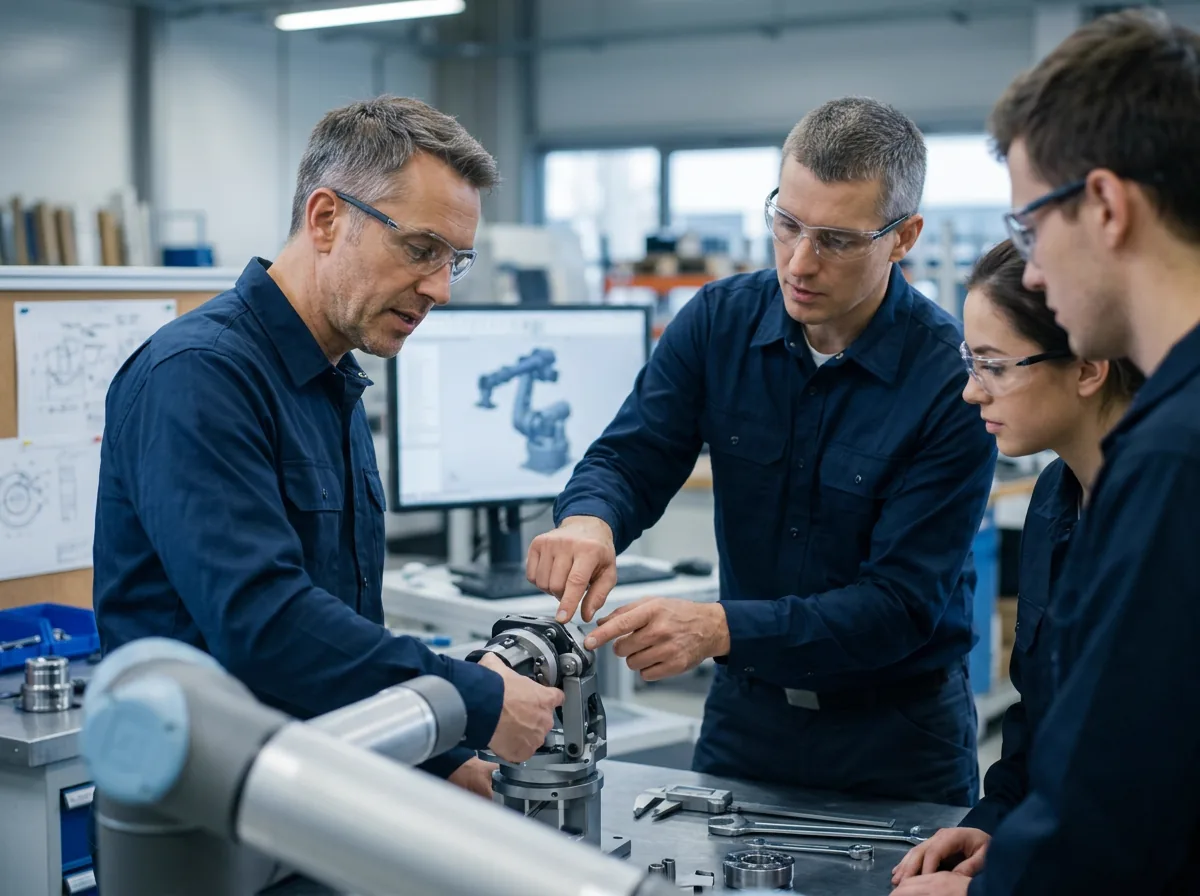
Watch the screen
Follow software, engineering, and product walkthroughs without losing the screen.

Follow the explanation
Stay with specialist teaching while the visuals remain in view.
Web Studio
Paste a YouTube link, choose source and target languages, and start dubbing.
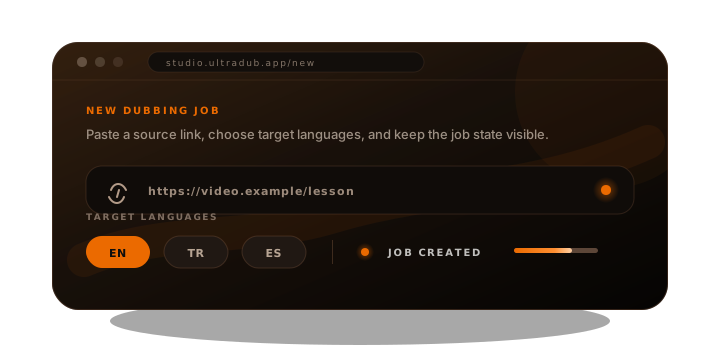
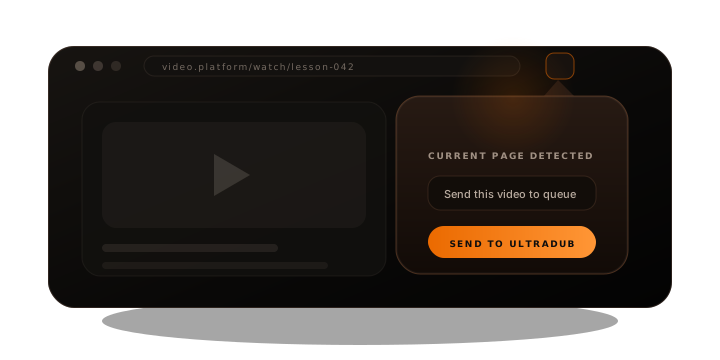
Extension
Open a supported video; the Chrome extension detects it and sends it to Ultradub for dubbing.
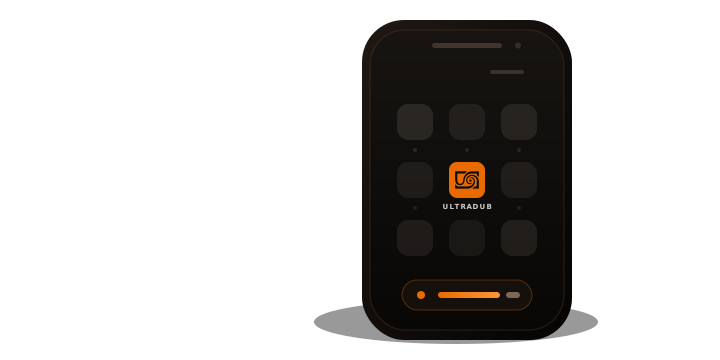
Mobile App
The extension-like dubbing flow is coming to supported videos on mobile.
HOW YOU START
Web Studio
Turn a link into a dub
Paste the YouTube URL into Web Studio, confirm the video, choose the source and target languages, then start the dub.
01 / 03
EARLY ACCESS
Clear terms
before access.
Pricing is being designed for an accessible workflow without a traditional studio process. Public prices, credits, and limits are not final; these cards show possible audiences, not purchase offers.
Early access
—
pending
For first trials on compatible video pages in the language you choose.
Access pending- Source and target language selection
- Compatible, DRM-free pages
- Chrome extension required
- Windows helper required
- Public terms pending
Learner
—
pending
Proposed for courses, tutorials, interviews, and podcasts.
Draft plan- Courses and tutorials
- Interviews and podcasts
- Usage limit not announced
- Chrome extension required
- Not yet for sale
Draft
Expert
—
pending
Proposed for people who learn from specialist video often.
Draft plan- Long expert videos
- Visible status
- Final-audio playback
- Limit not announced
- Not yet for sale
Team
—
pending
Shared training and recurring learning are on the roadmap.
Roadmap- Shared training use case
- Team controls: roadmap
- Admin controls: roadmap
- Billing not announced
- Not yet for sale
Organization
—
Compatible training libraries and larger rollouts are a future direction.
Roadmap- Compatible video libraries
- Terms not announced
- Support not announced
- Rollout not announced
- Roadmap only
No plan, price, minute allowance, credit, or discount shown here is final. Purchase is not currently available.
ULTRADUB · ÜRÜN
KAYNAK
ANLAM
SES
OYNATICI
 Ultradub
DİL DÖNÜŞÜMÜ AKTİF
Ultradub
DİL DÖNÜŞÜMÜ AKTİF
Ultradub
DİL DÖNÜŞÜMÜ AKTİF
Ultradub nedir?
Ultradub, YouTube bağlantılarını ve desteklenen çevrim içi videoları seçtiğin dilde dinlemen için tasarlanan bir AI video dublaj ürünüdür. Videonun kaynak dilini ve duymak istediğin hedef dili seçersin; Ultradub konuşmayı çözümler, anlamı çevirir, zamanlamayı işler ve final dublaj sesini hazırlar. Desteklenen tarayıcı akışlarında sonuç aynı oynatıcıya geri gelir. Böylece ders, röportaj, belgesel, video podcast veya teknik anlatımı izlerken gözün ekranda, içerik kendi dilinde kalır.
Video nerede ise orada başlar.
YouTube bağlantısını Web Studio’ya gönder veya desteklenen videoyu Chrome eklentisiyle algıla. Kaynak doğrulandıktan sonra kontrol sende kalır.
Anlamı başka bir sese taşır.
Konuşma, çeviri, zamanlama ve ses üretimi tek akışta buluşur. Amaç kelimeleri kopyalamak değil, anlatımı seçtiğin dilde takip edilebilir kılmaktır.
Final sesi videoya geri getirir.
Dublaj hazır olduğunda desteklenen akışlarda aynı oynatıcıya döner. Oynatma kendiliğinden başlamaz; kaynak sesi veya yeni dili ne zaman dinleyeceğine sen karar verirsin.
SIK SORULAN SORULAR
Ultradub hakkında kısa cevaplar
Ultradub ne işe yarar?
YouTube bağlantılarını ve desteklenen çevrim içi videoları kaynak dilden Türkçe veya seçtiğin başka bir hedef dile dublajlamaya yardımcı olur. Web Studio ve desteklenen tarayıcı akışları üzerinden çalışır.
AI dublaj ücretsiz mi?
Ultradub erken geliştirme aşamasındadır. Genel fiyatlar, ücretsiz kullanım sınırları, krediler ve satın alma seçenekleri henüz açıklanmadı; sayfadaki taslak planlar satış teklifi değildir.
Her internet videosu Türkçe dublaj yapılabilir mi?
Hayır. Uyumluluk video kaynağına, DRM korumasına, seçilen işleme motoruna ve yapılandırmaya bağlıdır. Ultradub her çevrim içi videonun desteklendiğini iddia etmez.
Video çeviri ve seslendirme aynı işlemde mi yapılır?
Akış; konuşmanın çözümlenmesi, anlamın hedef dile çevrilmesi, zamanlama rehberliği ve dublaj sesinin hazırlanması adımlarını bir araya getirir. Kullanılabilen özellikler seçilen motora göre değişebilir.
Dublajlı video otomatik oynatılır mı?
Hayır. İlerleme bildirimleri sesi başlatmaz. Oynatma yalnızca final dublaj hazır olduğunda ve kullanıcı açıkça başlattığında gerçekleşir.
NEXT STEP
Open a supported video, choose the language you want, and let Ultradub create the dubbed track. Early access is not open yet.
Choose the source · choose the target · supported videos only